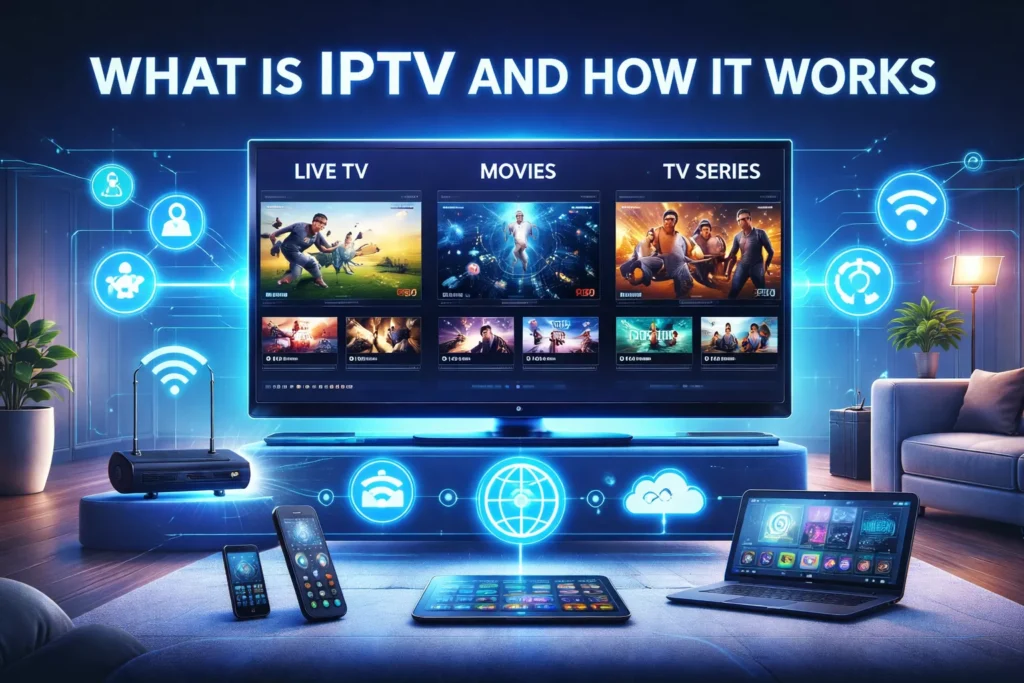
IPTV (Internet Protocol Television) is a way of delivering television content through the internet instead of traditional cable or satellite networks.
Instead of receiving TV channels through antennas, satellite dishes, or cable lines, IPTV sends the video through an internet connection and displays it on devices such as:
Firestick
Smart TVs
Android TV boxes
Smartphones
Tablets
Computers
This technology allows users to stream live TV channels, movies, and series on demand using specialized IPTV applications.
Because the content is transmitted over the internet, IPTV gives viewers more flexibility, interactive features, and on-demand access compared to traditional television.
Ready to start watching IPTV?
Check our guide: How to Setup IPTV on Firestick (Step-by-Step) and start streaming in minutes.
How IPTV Works
IPTV works by sending television signals as digital data through internet networks.
The process generally follows four main steps.
1. Content Is Collected
Television content first comes from different sources:
Live TV broadcasts
Video libraries (movies and shows)
Recorded programs
These are gathered by IPTV providers and prepared for streaming.
2. Video Is Encoded
The raw video signals are converted into digital streaming formats that can be transmitted efficiently over the internet.
This step compresses the video so it can stream smoothly even on average internet speeds.
3. Content Is Stored on Servers
After encoding, the IPTV provider stores the content on high-performance streaming servers.
These servers deliver the requested video to users whenever they select a channel or movie.
4. The User Streams the Content
When a viewer opens an IPTV app and selects a channel:
The app sends a request to the IPTV server.
The server streams the video through the internet.
The IPTV player decodes the stream and displays it on the device.
The entire process usually happens within seconds.
Types of IPTV Services
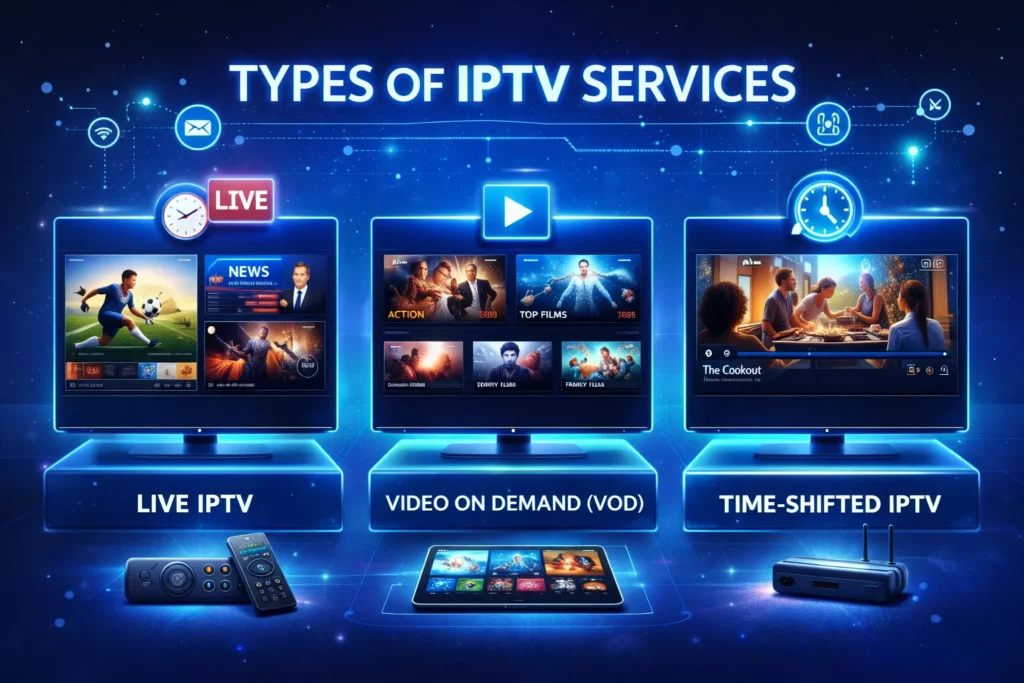
IPTV is generally divided into three main categories.
Live IPTV
Live IPTV streams television channels in real time, just like traditional TV.
Examples include:
Sports channels
News channels
Entertainment networks
Many users watch live IPTV on devices such as Firestick or Android TV.
Video on Demand (VOD)
Video on Demand allows viewers to choose and watch movies or series anytime.
Instead of waiting for scheduled broadcasts, users can simply select the content they want.
Typical VOD libraries include:
Movies
TV shows
Documentaries
Time-Shifted IPTV
Time-shifted television allows users to watch programs after they were broadcast.
Common features include:
Catch-up TV
Replay programs
Restart live broadcasts
This feature is popular for viewers who miss live shows.
Devices That Support IPTV
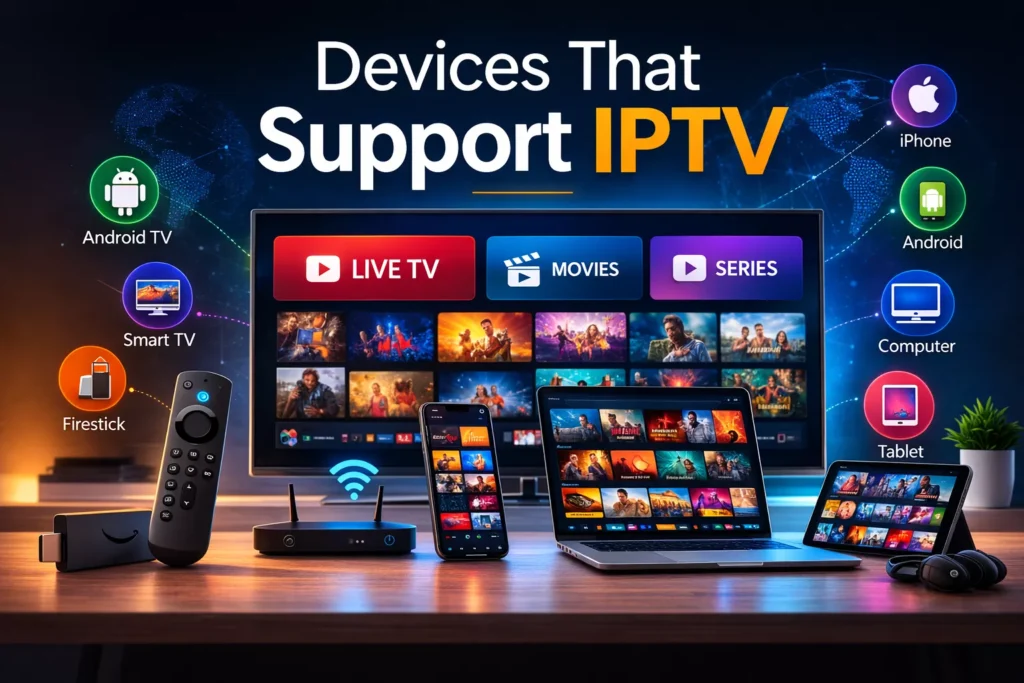
One of the advantages of IPTV is that it works on many devices.
Common IPTV devices include:
Amazon Firestick
Android TV devices
Smart TVs (Samsung, LG)
iPhone and Android smartphones
Computers and laptops
To watch IPTV, users usually install an IPTV player such as:
TiviMate
IPTV Smarters Pro
XCIPTV
These apps allow users to load playlists or IPTV credentials.
To install one of the most popular IPTV players, follow our tutorial:
IPTV Smarters Pro Setup Guide (Firestick, Android & Smart TV).
IPTV vs Traditional Cable TV
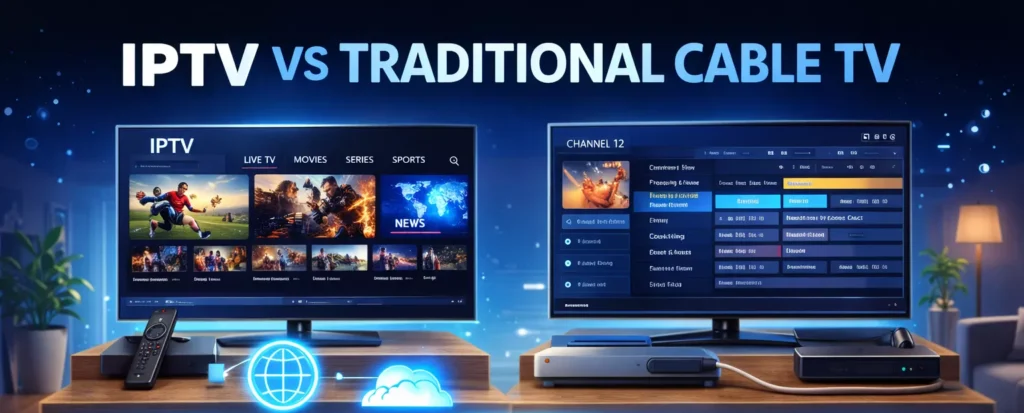
There are several important differences between IPTV and traditional television.
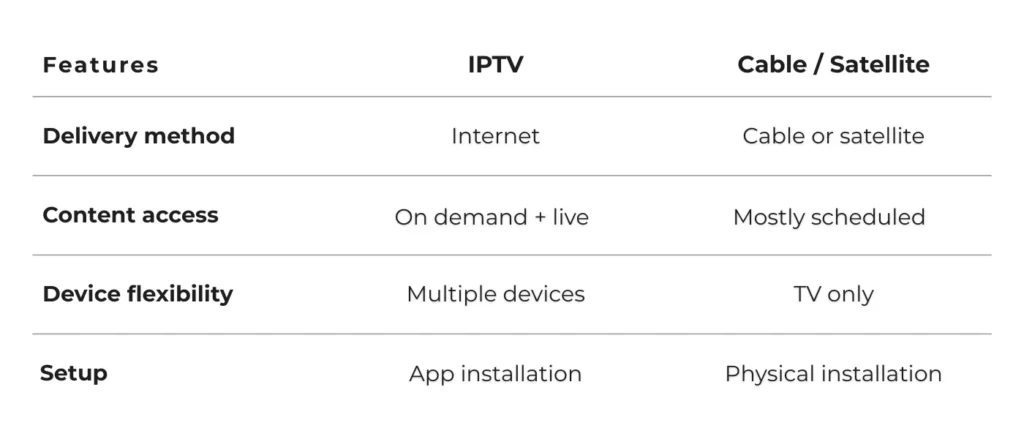
Because IPTV uses internet streaming, it generally provides more flexibility and accessibility.
Internet Speed Needed for IPTV
A stable internet connection is essential for smooth IPTV streaming.
Typical recommended speeds:
HD streaming: 10 Mbps
Full HD streaming: 20 Mbps
4K streaming: 30–50 Mbps
Slower connections may cause buffering or interruptions.
Advantages of IPTV
IPTV offers several benefits compared to traditional television.
Flexible Viewing
Users can watch content anytime and from almost any device.
Large Content Libraries
Many IPTV services include thousands of channels and movies.
Interactive Features
IPTV platforms may include:
Replay TV
Electronic program guides (EPG)
Recording features
Potential IPTV Issues
Like any streaming technology, IPTV may occasionally encounter problems.
Common issues include:
Buffering during streaming
Slow internet connection
Incorrect playlist configuration
Most of these problems can be resolved by checking internet speed, clearing app cache, or updating IPTV applications.
If your streams keep freezing, read our full troubleshooting article:
IPTV Buffering on Firestick – How to Fix It (2026 Guide).
Final Thoughts
IPTV has transformed the way people watch television by delivering content directly through the internet. Instead of relying on traditional cable or satellite services, viewers can stream live channels and on-demand content across multiple devices.
With compatible apps, a stable internet connection, and supported devices, IPTV provides a flexible and modern way to enjoy television anywhere.
Start Watching IPTV Today
Now that you understand how IPTV works, the next step is installing it on your device.
Follow our complete tutorial:
How to Setup IPTV on Firestick (Step-by-Step Guide)
Or explore the Best IPTV Players for Firestick (Free & Paid Apps Compared).