TiviMate is one of the most popular IPTV players for Firestick and Android TV. In addition, it offers a modern interface, fast channel loading, and powerful features such as EPG support, favorites, and recording.
Because of its smooth interface and fast performance, many IPTV users prefer TiviMate over other IPTV players.
This guide explains how to install TiviMate and how to add your IPTV playlist using M3U or Xtream Codes.
If you’re new to IPTV, you may want to start with our complete Best IPTV for Firestick guide to learn how to choose a reliable IPTV service before setting up a player like TiviMate.
What is TiviMate?
TiviMate is an IPTV player designed for Android TV devices such as Firestick, NVIDIA Shield, and Android Smart TVs.
Important:
TiviMate does not provide channels. You must have an IPTV subscription that provides:
M3U playlist
Xtream Codes login
How to Install TiviMate on Firestick
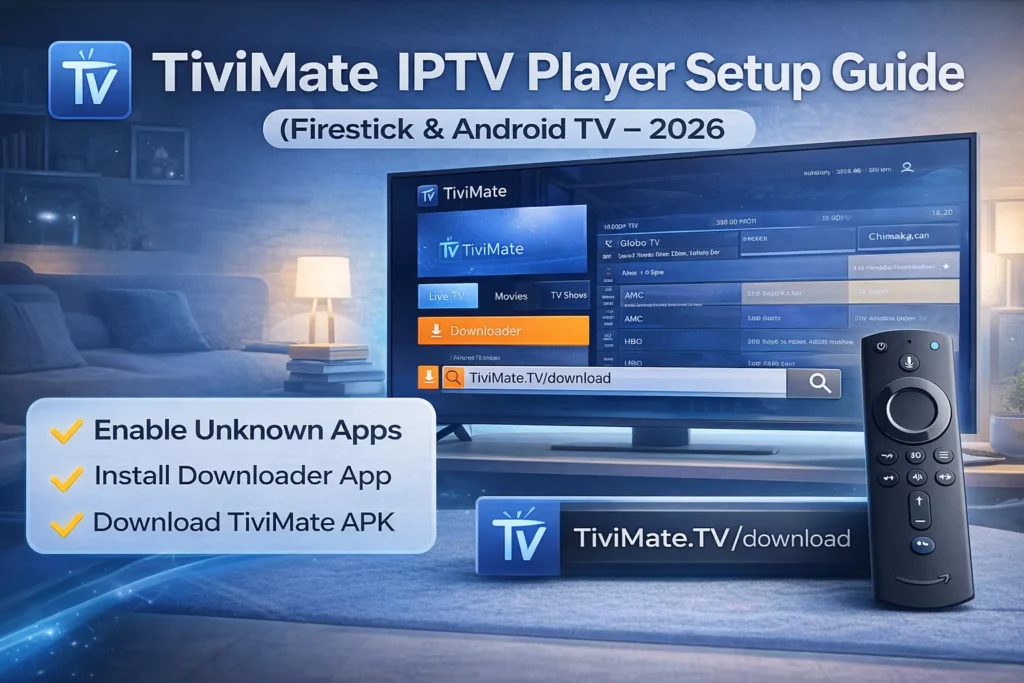
Firestick does not allow third-party apps by default, so you must enable them first.
Step 1 – Enable Apps from Unknown Sources
Go to Settings
Select My Fire TV
Open Developer Options
Enable Apps from Unknown Sources
Step 2 – Install Downloader App
Open the Amazon App Store
Search for Downloader
Install the Downloader app
Step 3 – Download TiviMate
Open Downloader
Enter the TiviMate APK URL
Click Download
Install the APK file
Once installed, open the TiviMate app.
If you want to compare different IPTV applications before choosing one, check our list of the best IPTV players for Firestick including TiviMate, IPTV Smarters, and other popular apps.
How to Add IPTV Playlist to TiviMate
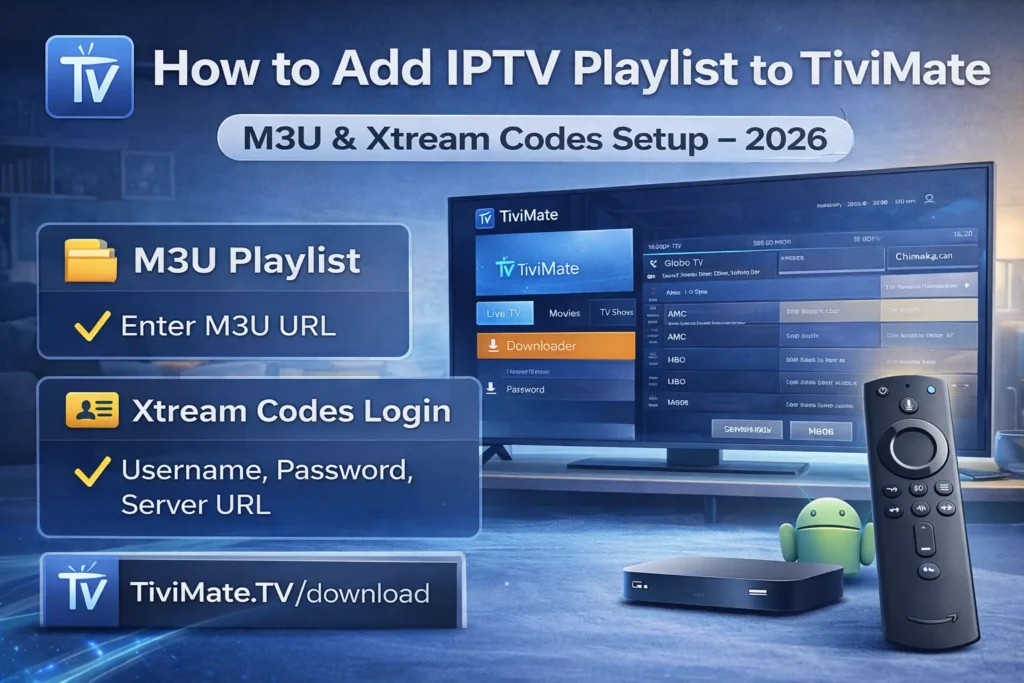
When you launch TiviMate for the first time, you must add your IPTV playlist.
Method 1 – M3U Playlist
First, open TiviMate on your device.
Next, select Add Playlist from the main screen.
After that, choose M3U Playlist as your playlist type.
Then enter your M3U URL provided by your IPTV provider.
Finally, click Next to load your channels.
TiviMate will load your channel list.
Method 2 – Xtream Codes Login
Most IPTV providers also offer Xtream Codes credentials. Therefore, you can add your IPTV subscription quickly using this method.
Steps:
Select Add Playlist
Choose Xtream Codes Login
Enter:
First enter your username.
Then type your password.
After that, add the server URL provided by your IPTV service.
Finally, click Next to load the playlist automatically.
TiviMate will automatically load channels and the EPG.
If you haven’t installed IPTV yet on your device, follow our complete step-by-step guide to setup IPTV on Firestick before adding your playlist to TiviMate.
Best TiviMate Settings
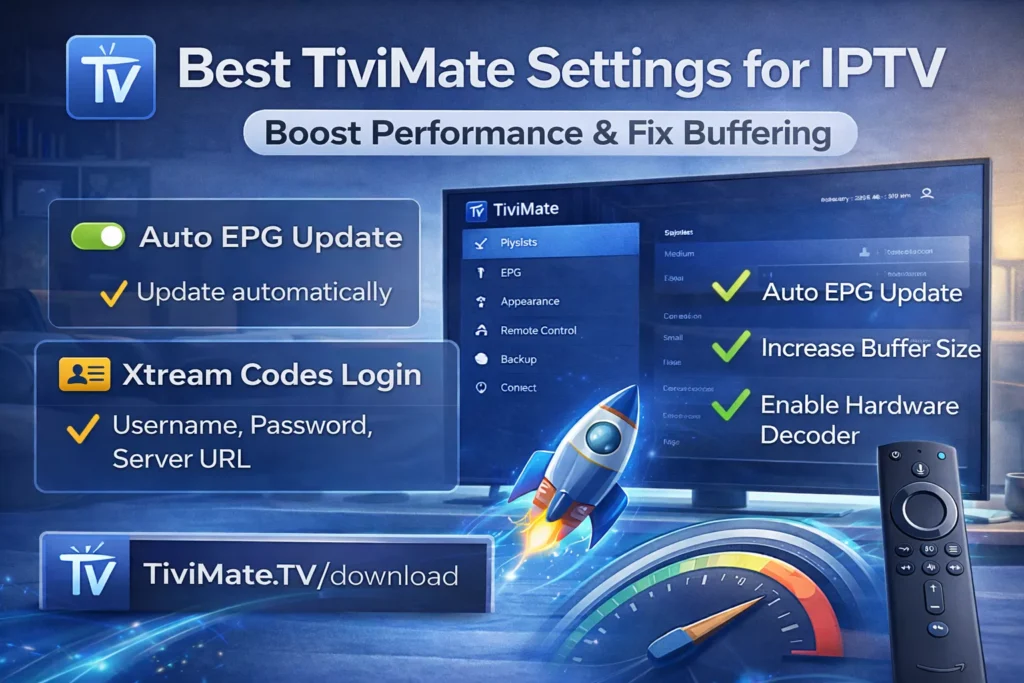
To improve streaming performance and reduce buffering, you should adjust a few important settings. Fortunately, TiviMate allows you to optimize playback easily.
Enable Auto EPG Update
Go to:
Settings → EPG → Update automatically
This keeps the TV guide updated.
Increase Buffer Size
Settings → Playback → Buffer size
Recommended value:
Medium or Large
This helps reduce buffering.
If your channels keep freezing or loading slowly, read our detailed guide on how to fix IPTV buffering on Firestick with simple solutions that improve streaming performance.
Enable Hardware Decoder
Settings → Playback → Hardware Decoder
This improves video performance on Firestick.
TiviMate Premium Features
TiviMate has a free version and a premium version.
Premium features include:
Multiple playlists
Channel recording
Advanced EPG
Custom channel groups
Backup and restore settings
Premium requires a TiviMate Companion account.
TiviMate Not Working? Quick Fixes
If TiviMate is not loading channels properly, the problem is often related to your IPTV credentials or playlist. In this case, try the following fixes.
Check your IPTV subscription
Your provider may have expired credentials.
Refresh playlist
Settings → Playlist → Refresh
Clear app cache
Firestick Settings → Applications → TiviMate → Clear Cache
Restart Firestick
A reboot can fix playback issues.
Devices Compatible with TiviMate
TiviMate works on:
Amazon Firestick
Fire TV Cube
Android TV
NVIDIA Shield
Android TV boxes
It does not work on iPhone or Apple TV.
Final Thoughts
Overall, TiviMate remains one of the best IPTV players for Firestick and Android TV. Thanks to its clean interface and advanced features, it provides a smooth streaming experience for IPTV users.
Once installed, simply add your IPTV playlist and start streaming live TV channels in minutes.