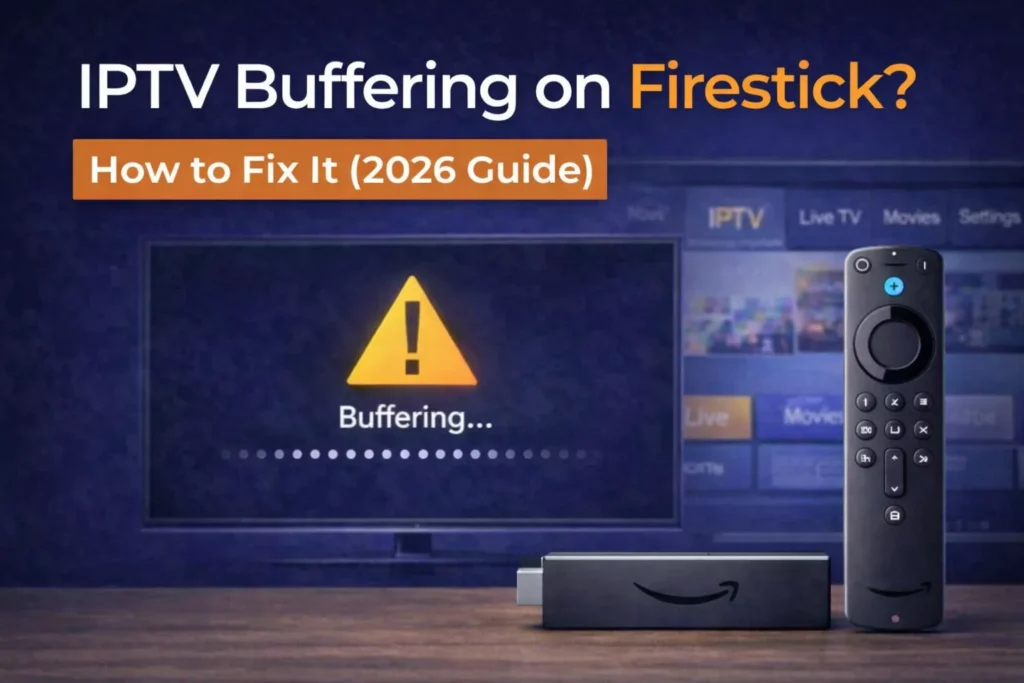
If your IPTV keeps buffering on Firestick, freezing during live sports, or constantly loading, you’re not alone. Buffering is one of the most common IPTV issues — but the good news is that it’s usually fixable.
In this guide, we’ll explain why IPTV buffers on Firestick and show you step-by-step solutions to fix it quickly.
Why IPTV Buffers on Firestick
Buffering happens when your IPTV player cannot load video data fast enough. This can be caused by:
-
Slow or unstable internet
-
Overloaded IPTV servers
-
Weak WiFi signal
-
Outdated Firestick software
-
Poor IPTV player optimization
Identifying the cause is the key to fixing the issue.
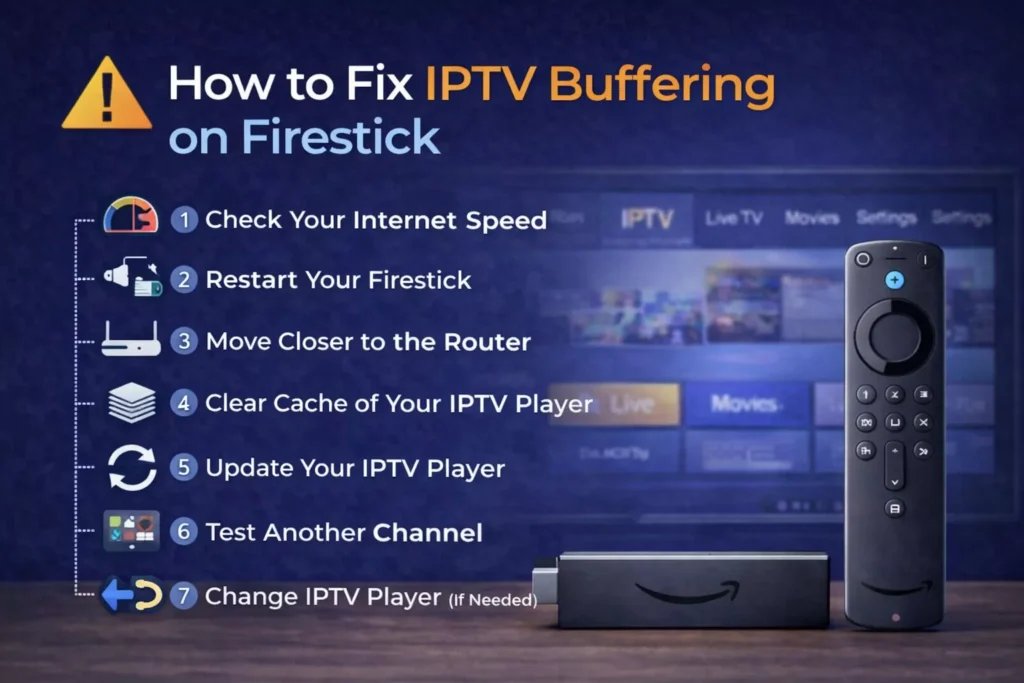
🔧 How to Fix IPTV Buffering on Firestick
Follow these steps in order.
1️⃣ Check Your Internet Speed
For smooth IPTV streaming, you should have:
-
SD channels: 10 Mbps minimum
-
HD channels: 20–25 Mbps
-
4K streaming: 40+ Mbps
Run a speed test directly from your Firestick or phone connected to the same WiFi.
If your speed is too low, buffering will continue no matter which IPTV player you use.
2️⃣ Restart Your Firestick
Simple but effective.
-
Unplug Firestick for 30 seconds
-
Restart router
-
Plug everything back in
This clears temporary memory and network congestion.
3️⃣ Move Closer to the Router
Firestick relies heavily on WiFi stability.
If possible:
-
Reduce walls between router and TV
-
Switch to 5GHz WiFi
-
Use an Ethernet adapter for Firestick (best option)
Weak signal = constant buffering.
4️⃣ Clear Cache of Your IPTV Player
Heavy cache can slow performance.
Steps:
-
Go to Settings
-
Applications
-
Manage Installed Applications
-
Select your IPTV player
-
Clear Cache
Do NOT clear data unless necessary.
5️⃣ Update Your IPTV Player
Outdated apps can cause playback issues.
Make sure you’re using a stable IPTV player.
6️⃣ Test Another Channel
If only certain channels buffer, the issue may be:
-
Server overload
-
Specific stream instability
In this case, the problem is likely the IPTV service — not your Firestick.
If buffering persists across many channels, consider reviewing your IPTV subscription quality.
7️⃣ Change IPTV Player (If Needed)
Sometimes the IPTV player itself causes instability.
You can compare the most stable options here:
👉 Best IPTV Player for Firestick (Free & Paid Compared)
Switching players often improves performance immediately.
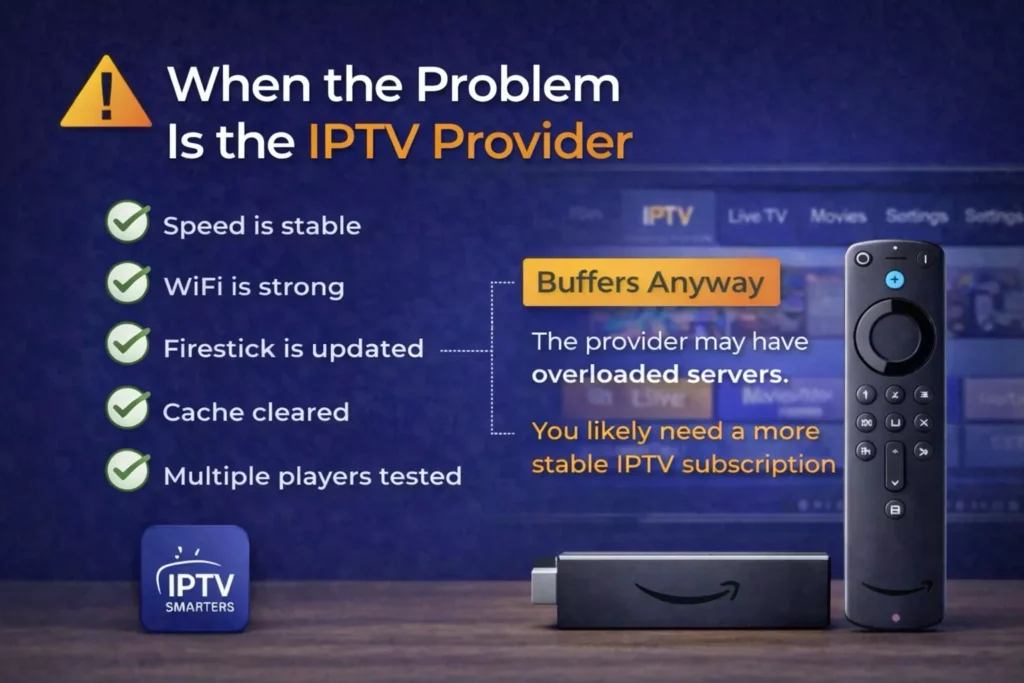
When the Problem Is the IPTV Provider
-
Internet speed is stable
-
WiFi is strong
-
Firestick is updated
-
Cache cleared
-
Multiple players tested
And buffering still happens — the IPTV provider may have overloaded servers.
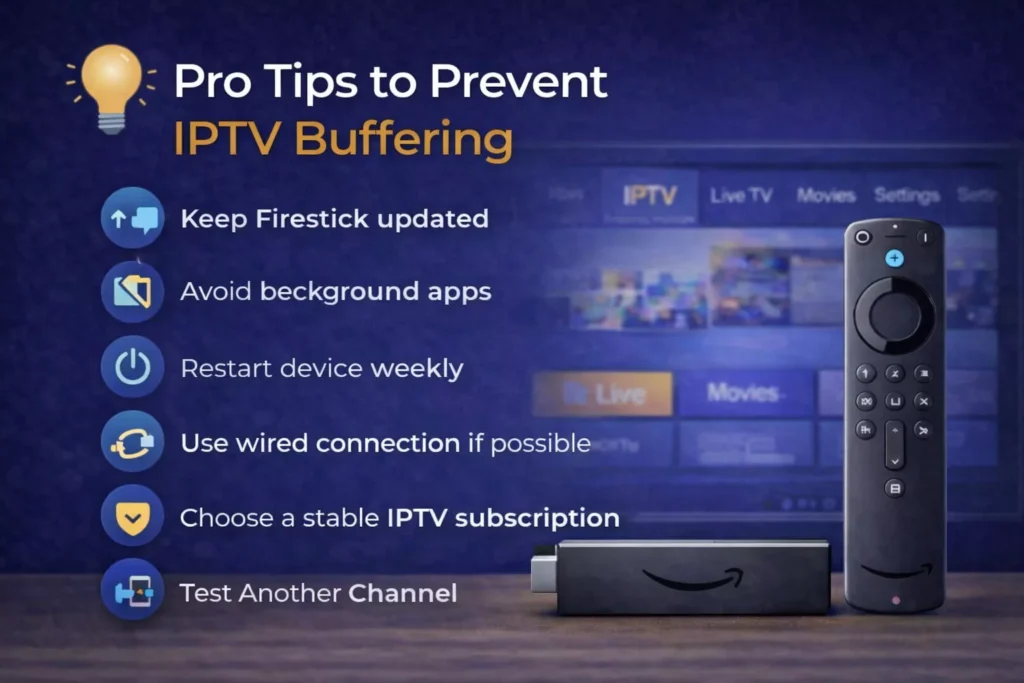
Pro Tips to Prevent IPTV Buffering
-
Keep Firestick updated
-
Avoid background apps
-
Restart device weekly
-
Use wired connection if possible
-
Choose a stable IPTV subscription
Prevention is easier than troubleshooting.
Final Thoughts
IPTV buffering on Firestick is frustrating, but it’s usually caused by internet, WiFi, or server quality — not the device itself.
Start with simple fixes like restarting and clearing cache.
If problems persist, review your IPTV player and subscription.
A stable IPTV service combined with the right player ensures smooth streaming without interruptions.